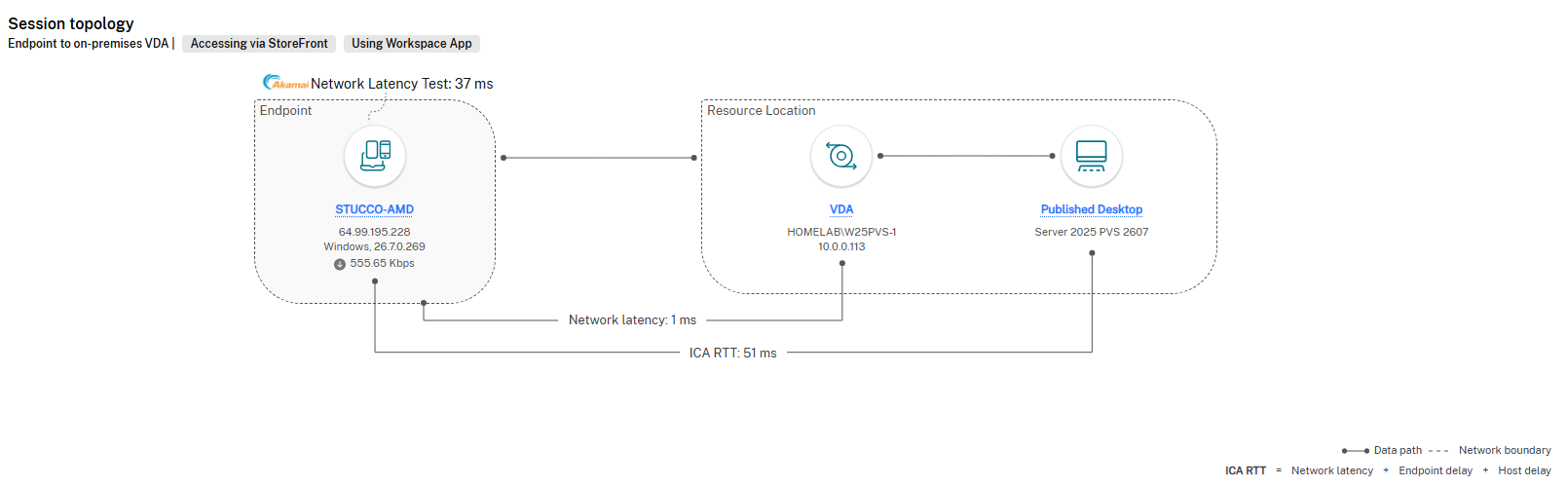
Director and Monitor missing Network Latency, ICA RTT, and other network metrics
An issue has been found where if you uninstall and re-install the VDA on a Microsoft OS, those machines will no longer properly show the networking information under Session Performance.
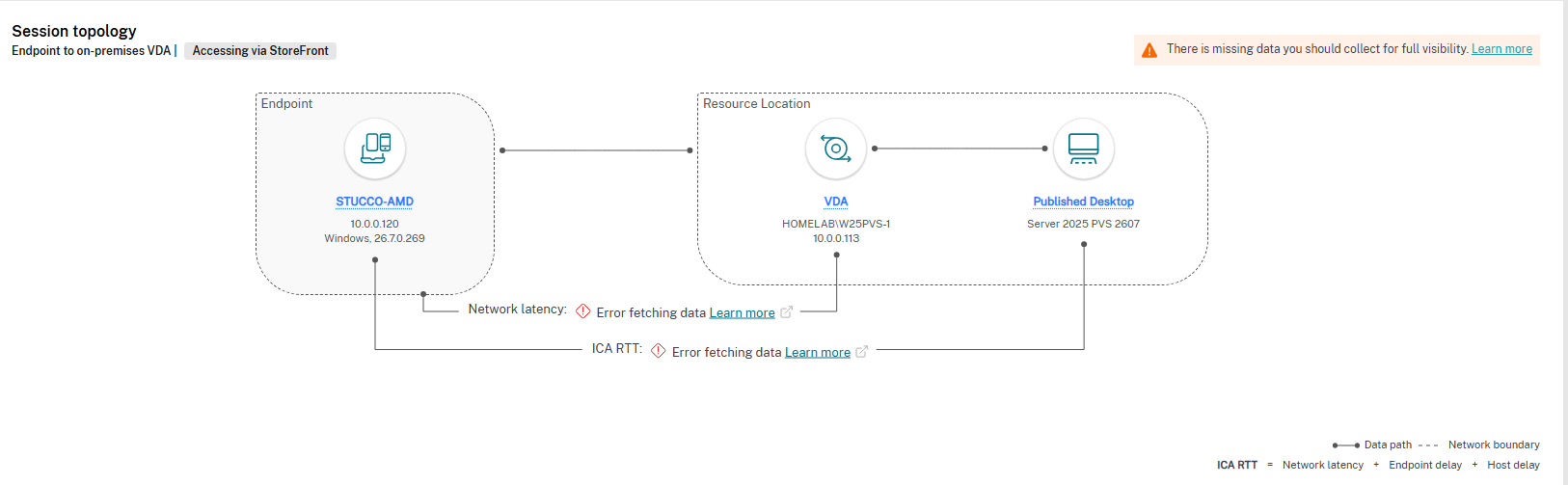
To fix the issue for non-persistent machines, boot up your maintenance machine. For persistent machines do the following on all machines in the Catalog.
Open an Admin PowerShell and run the following.
$ns = Get-WmiObject -Namespace root\citrix -Class __namespace | Where-Object { $_.Name -eq "euem" }
$ns.Delete()
Get the name of the current MOF file used for WMI from this directory.
In my 2607 environment, this is the latest file in that directory.
"C:\Windows\SysWOW64\wbem\Framework\root\Citrix\EUEM\WmiPlugin_SN_d4857dd4baeec65f_Version_7.48.0.0.mof"
Go back to your Admin Powershell prompt, and run this command, modifying the mof file for the version on your build.
mofcomp "C:\Windows\SysWOW64\wbem\Framework\root\Citrix\EUEM\WmiPlugin_SN_d4857dd4baeec65f_Version_7.48.0.0.mof"
Persistent machines should immediately start working. Non-persistent machines will start working after deploying the updated image.